Nebula is now avalible to the public.Try it now.

All your files.
Cloud+Local Combined.
One orbit.

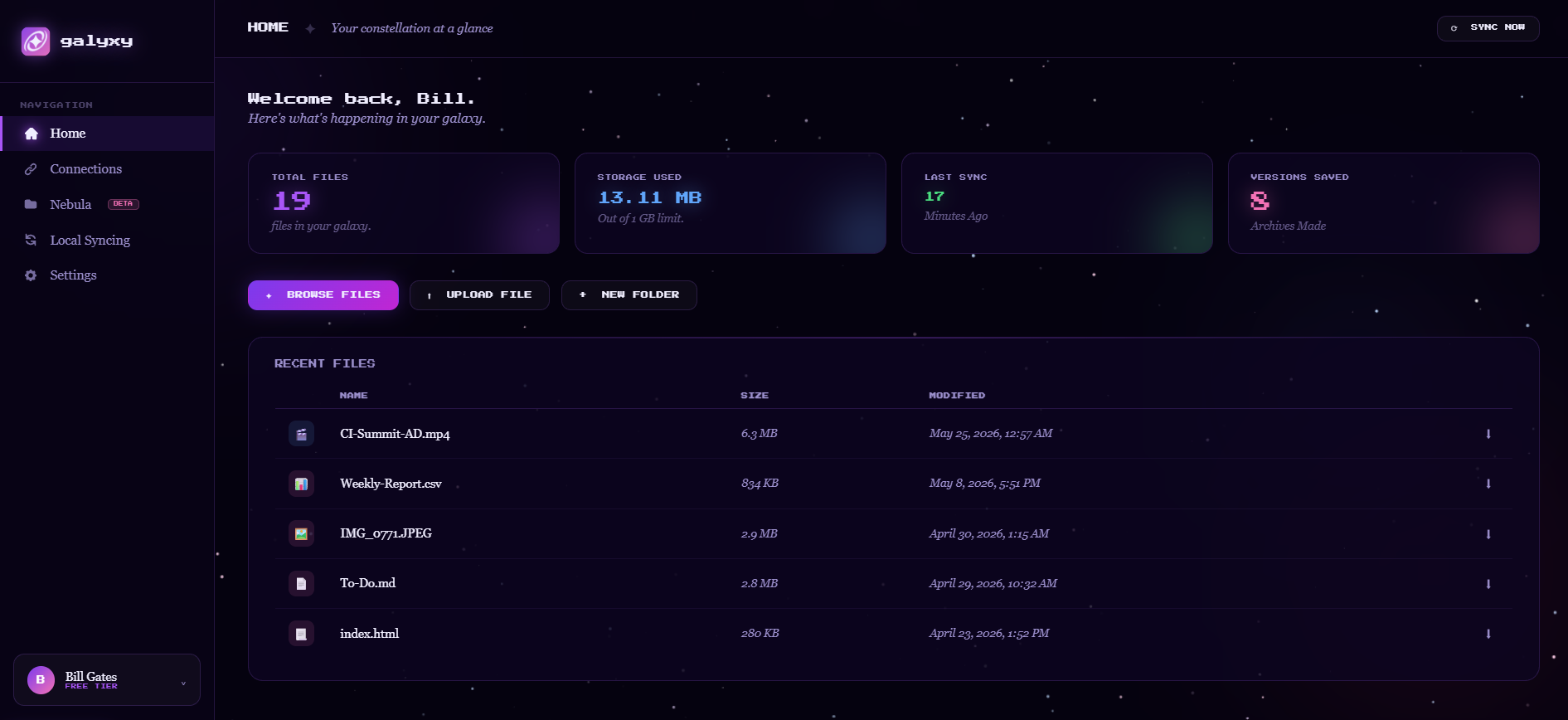
Galyxy syncs your cloud and local files across every machine — seamlessly, privately, stress-free, and without friction.
CONNECT TO YOUR CLOUD → or try Nebula (Beta)

✦ Features

Built for the way you actually work

🔄

Seamless Syncing

Changes on any device reflect everywhere instantly — Local and Cloud. No waiting, no manual uploads, no lost progress.

☁️

Cloud + Local

Bridge your local drives with cloud storage. Galyxy treats them as one unified filesystem. Don't worry about mismatched file copies.

🔒

Secured with your Provider

All your files on your selected cloud provider are securely connected to Galyxy. No unwanted or malicious access.

Blazing Fast

Block uploading and syncing mean even huge files stay up to date fast. Uploading your game's 7000-line source code? 10 seconds - max.

🛠️

Quick Setup

Get started in minutes, not hours. No complex installations or strict configurations required. With just a few clicks, Galyxy integrates seamlessly with your existing cloud storage providers.

🌎

Access from Anywhere

Creativity doesn't wait for an internet connection. Use your local drive offline. Connect and manage through the cloud for clean online access.

✦ How it works

Three steps to orbit

01

Create your account

Sign up for free and access the galyxy dashboard from any browser. No app install required.

02

Connect your cloud

Link Google Drive, Dropbox, OneDrive, or any supported provider. Galyxy handles the authentication.

03

Everything syncs

From that moment on, all your cloud files are accessible and synced with your local drive automatically.

Need some more insight?

Check out the official documentation or contact us directly.

READ THE DOCS → Contact Us